One PDF just broke the iPhone's toughest security mode
Calif showed a jailbreak of an iPhone 18 Pro in Lockdown Mode via AirDrop, and it survived the iOS 27.2 update.
AI news faster than on the site — on Telegram KARMAZIN MEDIA
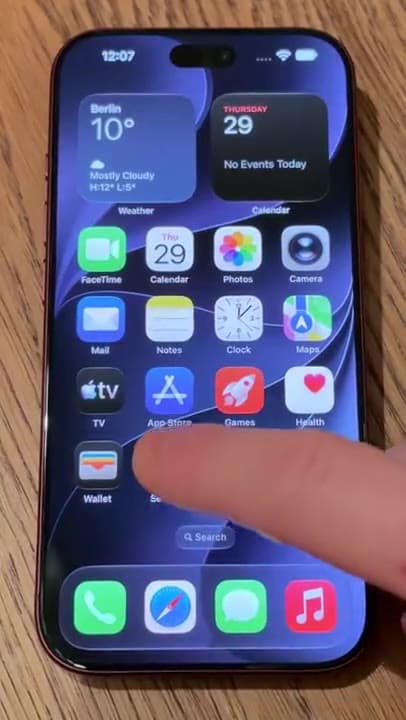
Hacker team Calif has posted a video that should send every iPhone owner straight to their AirDrop settings. It shows an iPhone 18 Pro with Lockdown Mode switched on receiving an ordinary looking PDF over AirDrop. The owner accepts the file, and the phone ends up jailbroken, with the usual iOS restrictions gone.
Then it gets better. The jailbroken phone installs the fresh iOS 27.2 update, reboots, and the jailbreak is still there. Updates usually wipe this kind of thing out. Calif's caption is short: "Lockdown Mode helps, until it doesn't."
Apple added Lockdown Mode back in iOS 16 as extreme protection for journalists, politicians and anyone who might be targeted by expensive mercenary spyware. It blocks most message attachments, some web technologies, FaceTime calls from strangers and new configuration profiles. Until now Apple has said it knows of no successful infection of a phone running in this mode.
There are caveats. This is not a zero click attack: the victim taps Accept, and the attacker has to be nearby, within AirDrop range. It is unclear whether the same trick works on a phone that already runs iOS 27.2. Calif has not published technical details, says it is reporting the bugs to Apple and will not release a public jailbreak tool. Nobody has independently reproduced the demo, and Apple has not commented yet.
The same team jailbroke the iPhone Duo on its launch day a little over a week ago.
The practical takeaway is dull but useful: set AirDrop to Contacts Only and never accept files from strangers. Apple's strictest security mode, it turns out, is not a wall either.
Related
 AI agentsExperiment: I handed all my social media and my website to Grok Bot. Day 2: minus five, an ad filter and the hour the bot chose to skip
 ToolsHow to download a program from GitHub: find the installer, portable ZIP or individual file
 ToolsHow to track website changes and get price alerts with changedetection.io